
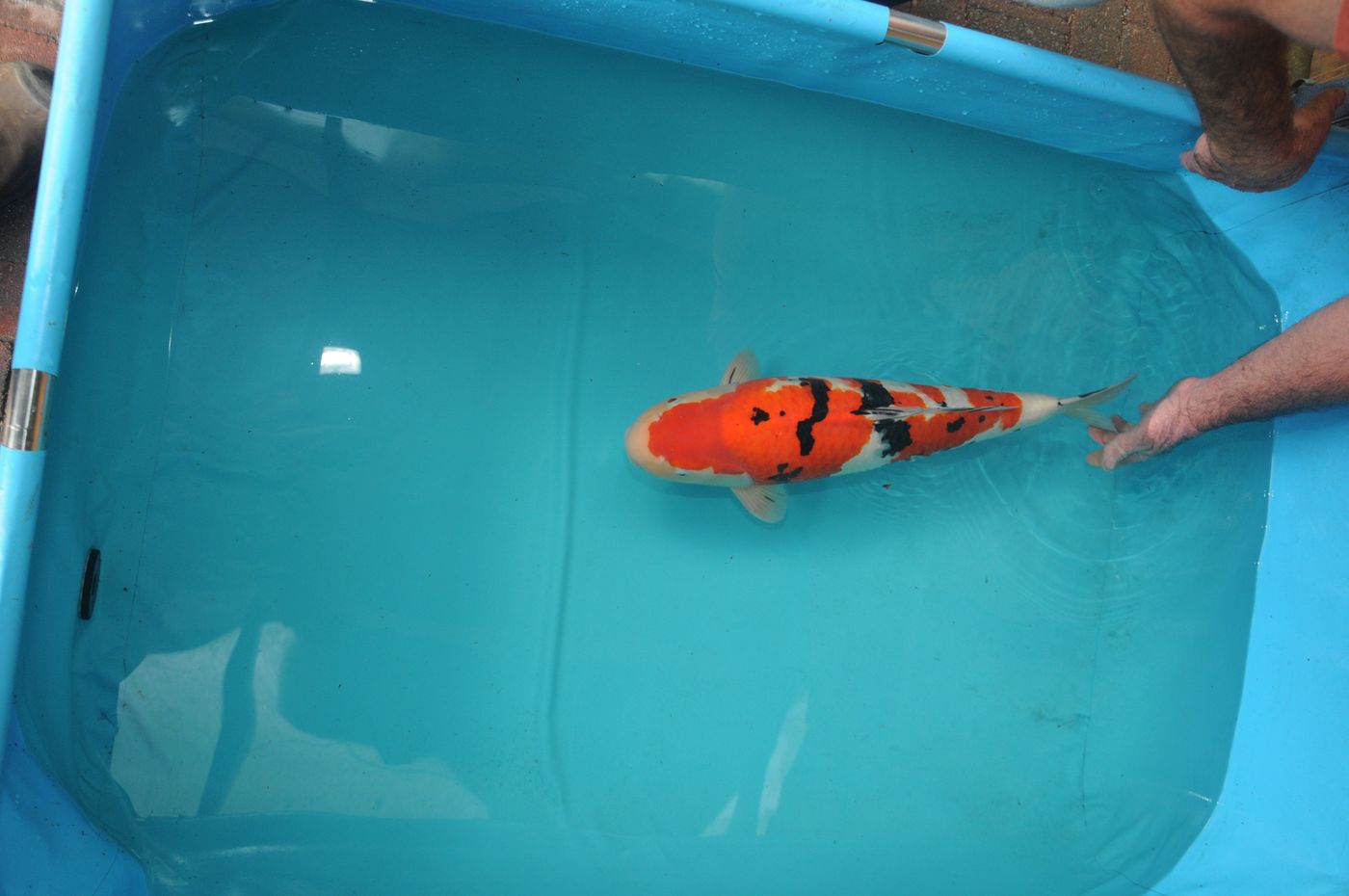
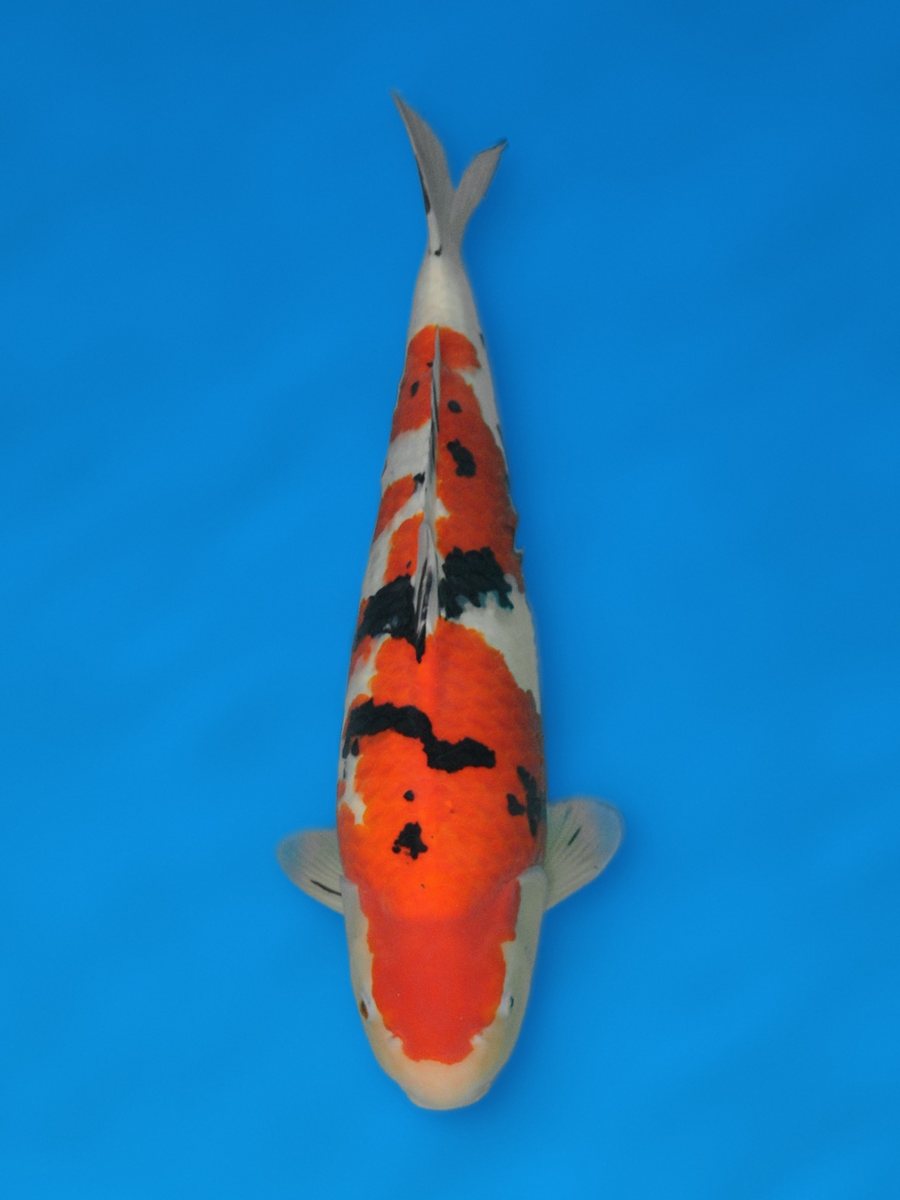
1/5
Hands in the shot? Simply gone.
The fish is cut out, so hands, feet and the edge of the tub disappear.
Take a photo of your koi in a blue bowl or tub. The Photo Studio cuts out the fish and places it on a clean show background. The fish itself is not edited: every scale stays exactly as you photographed it.
The Photo Studio is available on request, on the website and in the app.
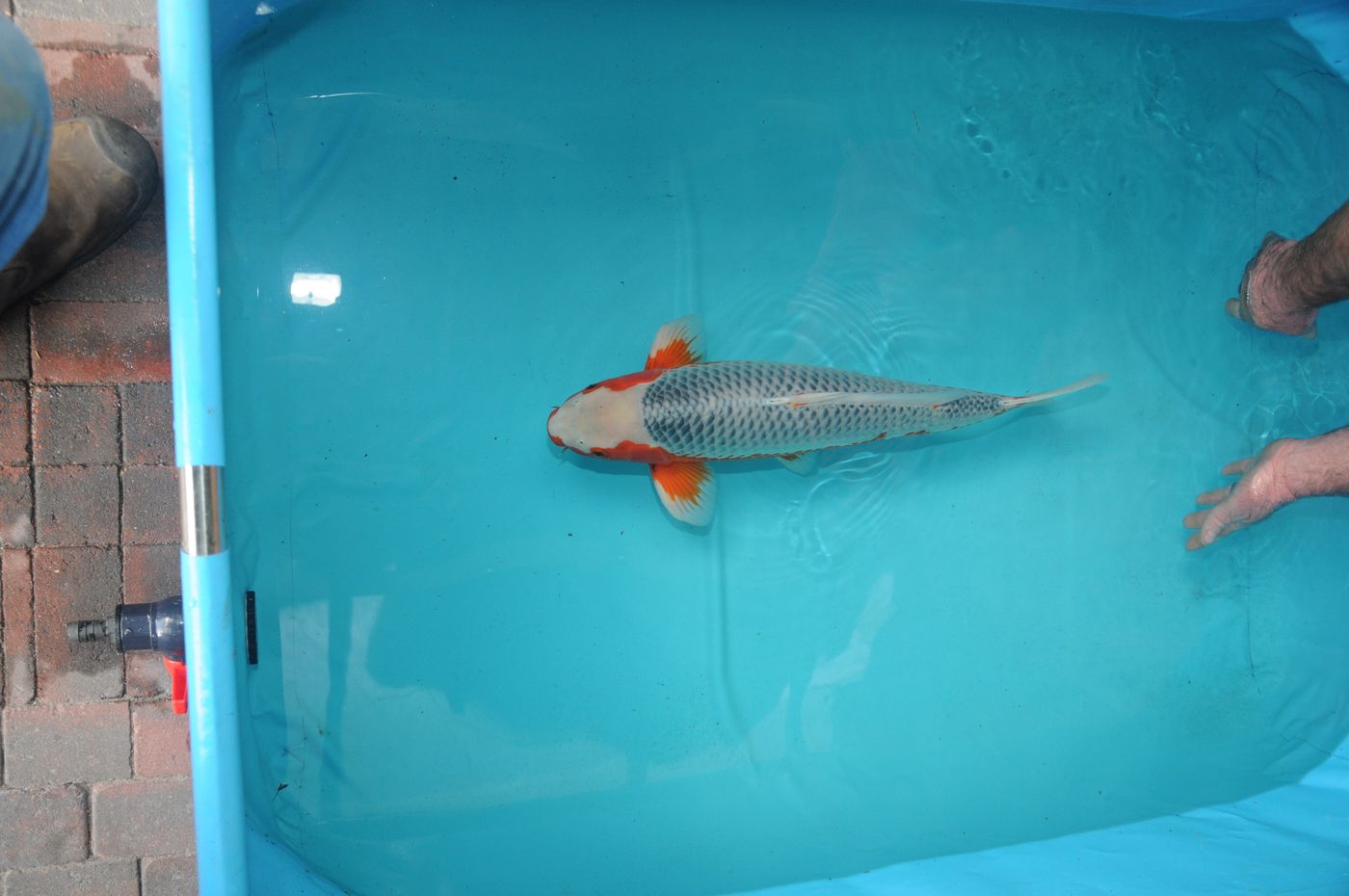
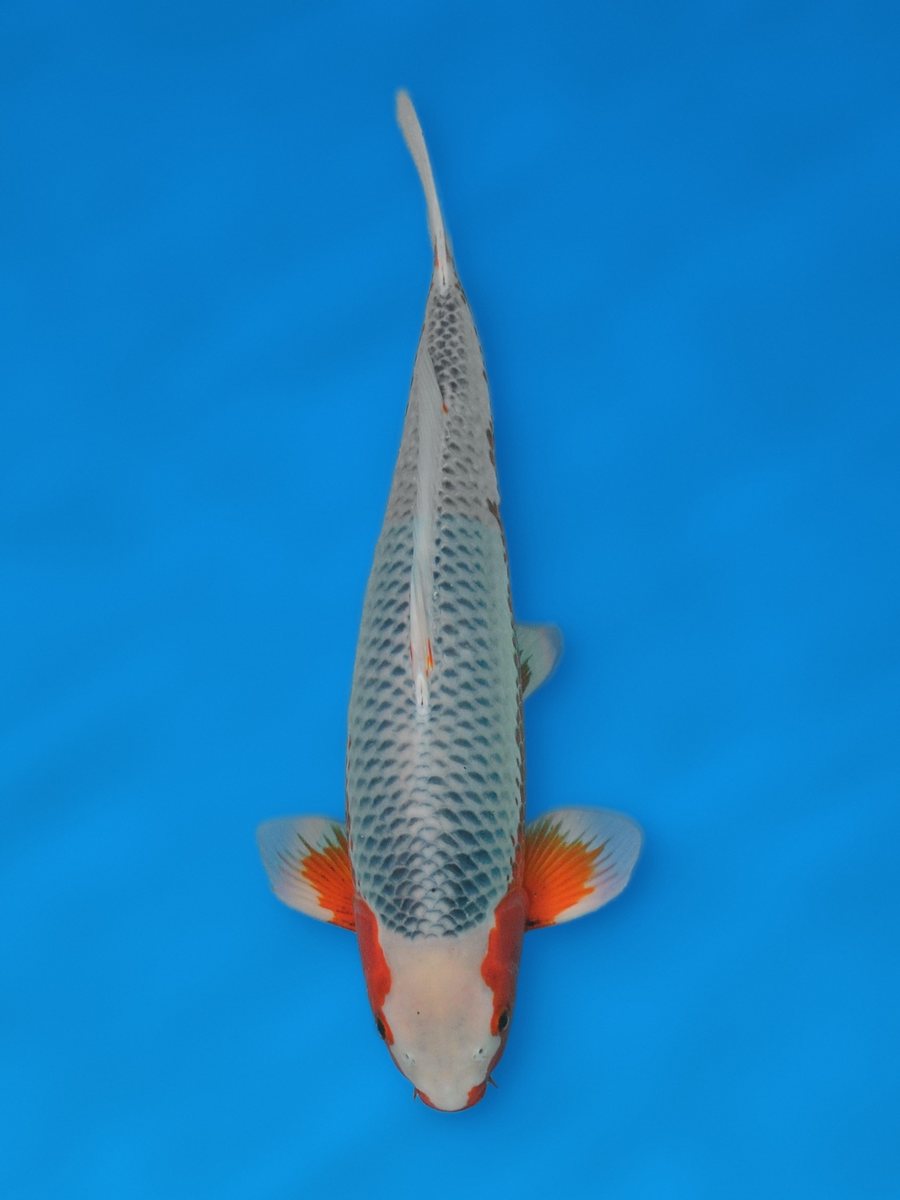
Five koi, photographed in a bowl or tub at the pond. On the left the original photo, on the right the result from the Photo Studio.
The fish is cut out, so hands, feet and the edge of the tub disappear.
The fish is straightened, head down, just like a show photo.
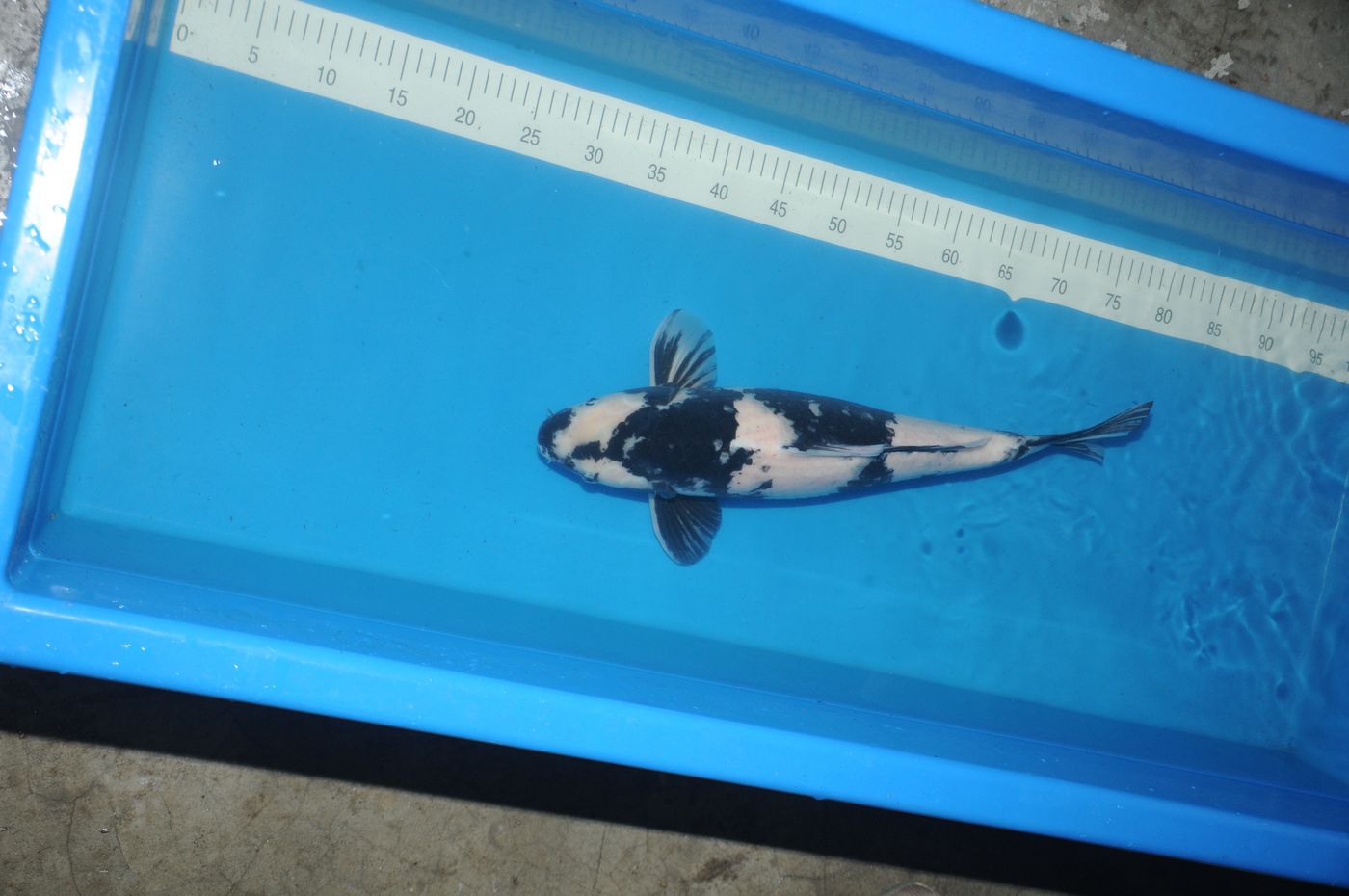
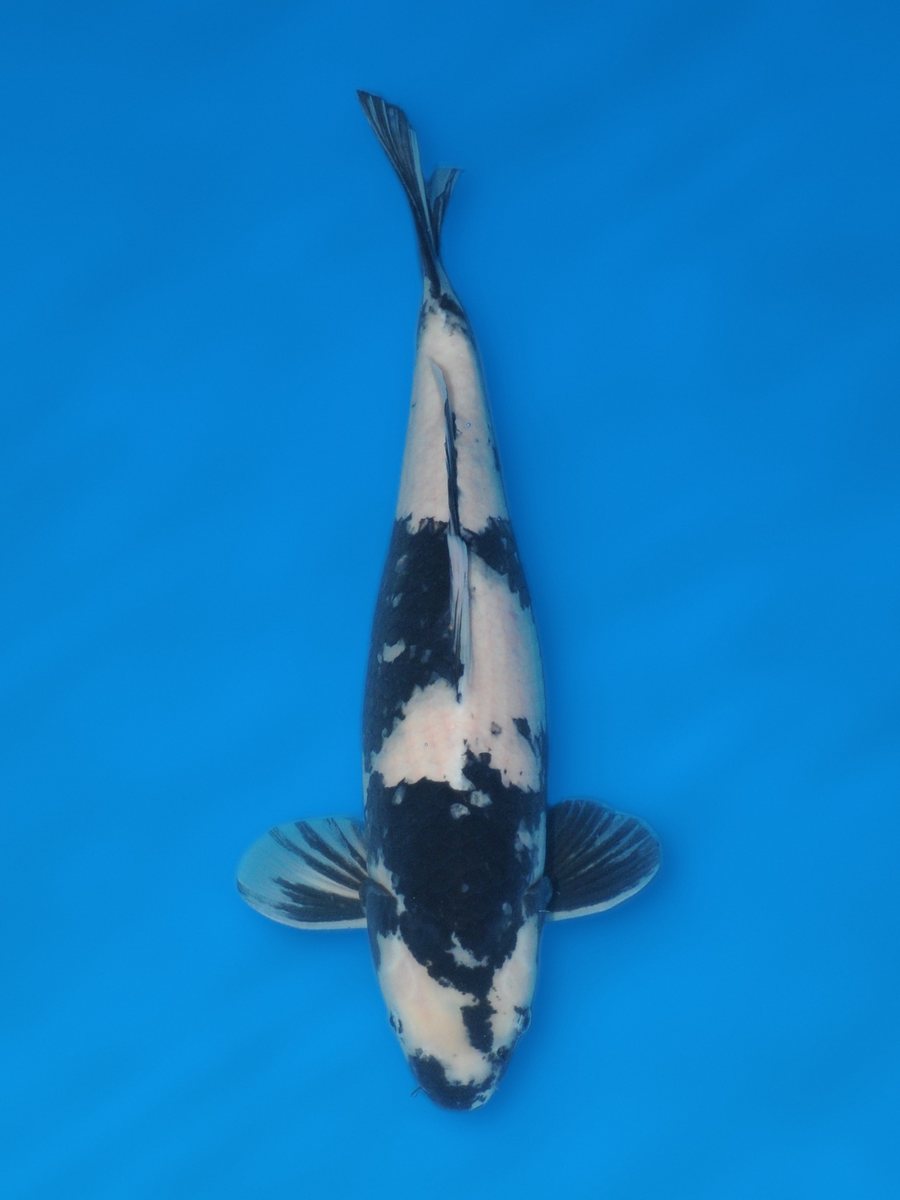
Ruler, reflections and the tub itself are gone. Only your koi remains.
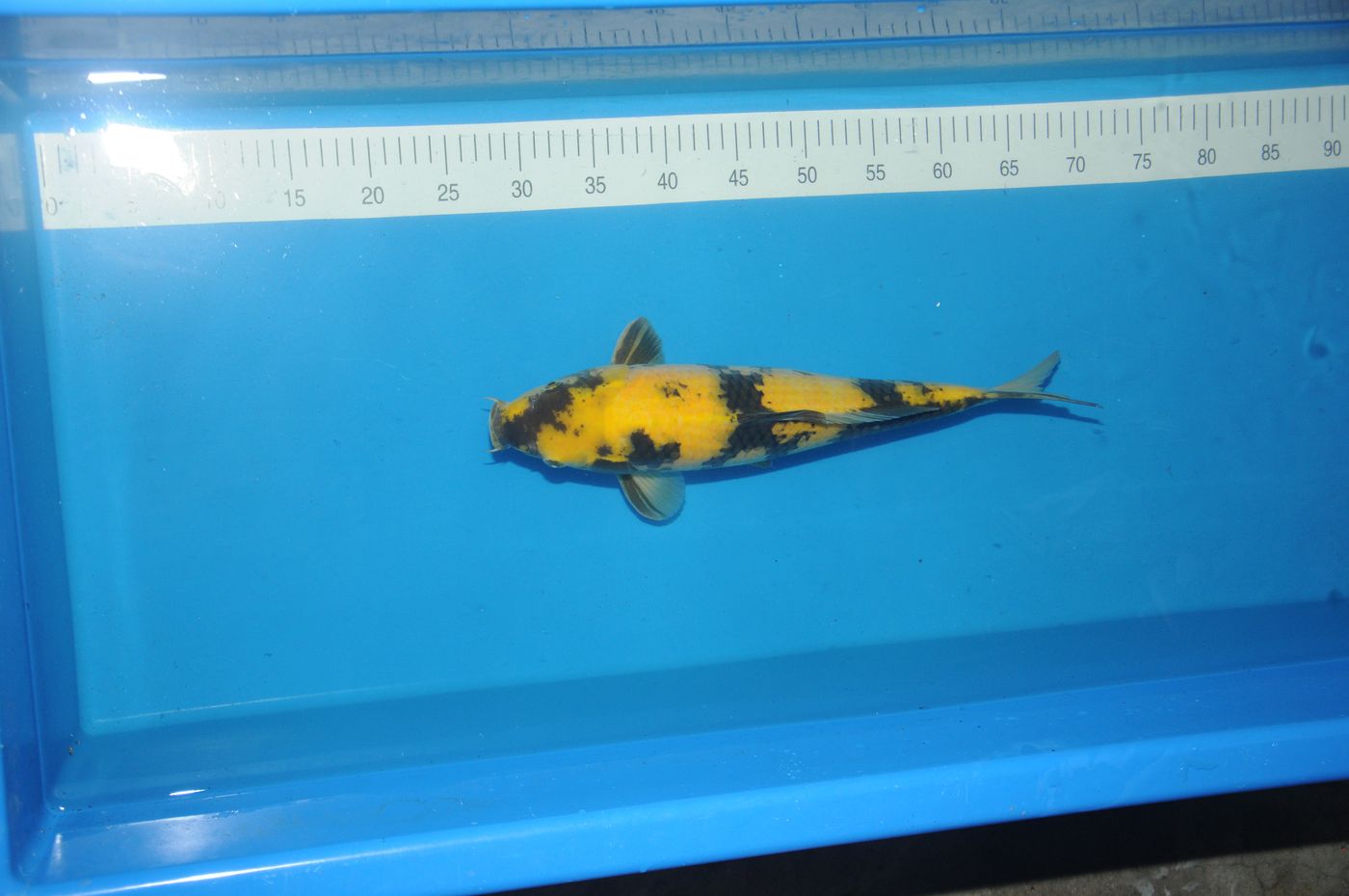
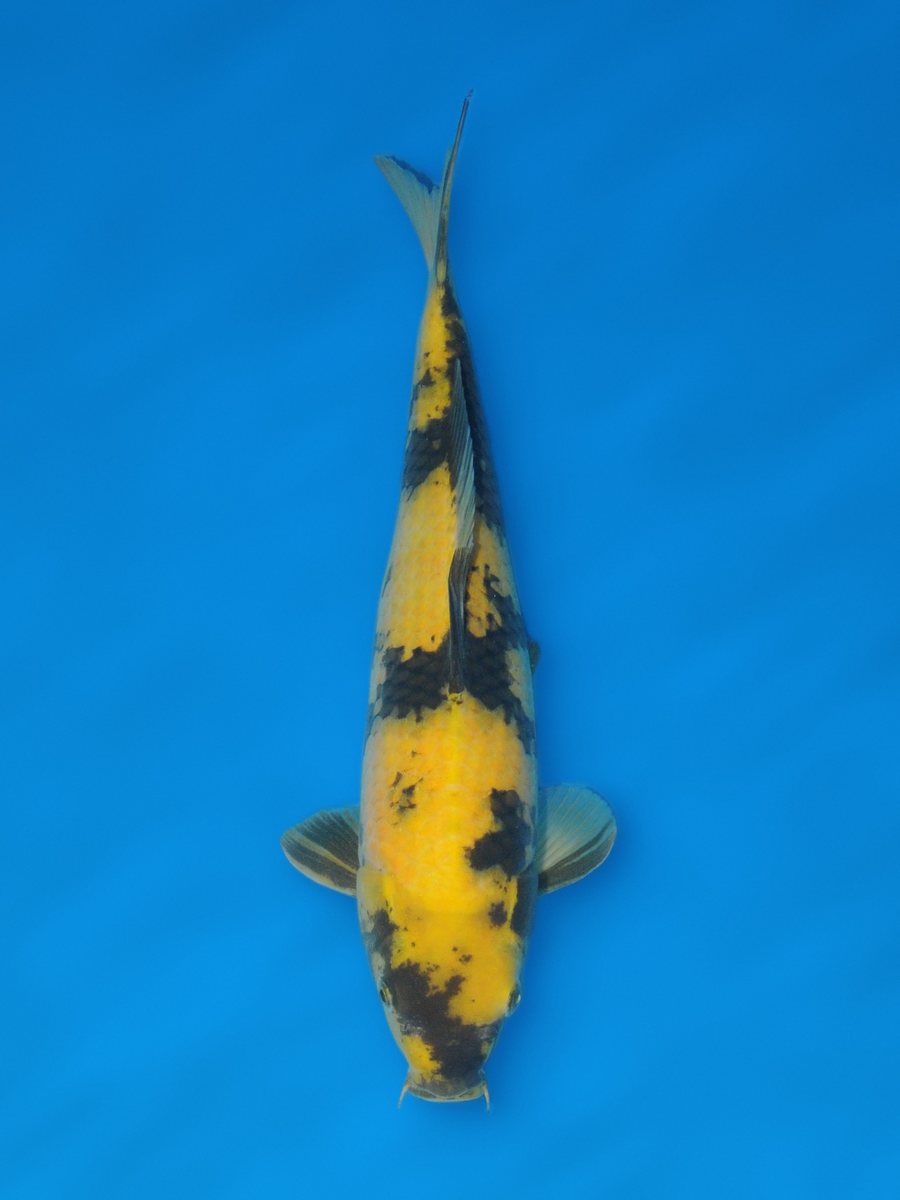
Pattern, colour and sumi stay exactly as in the original photo.
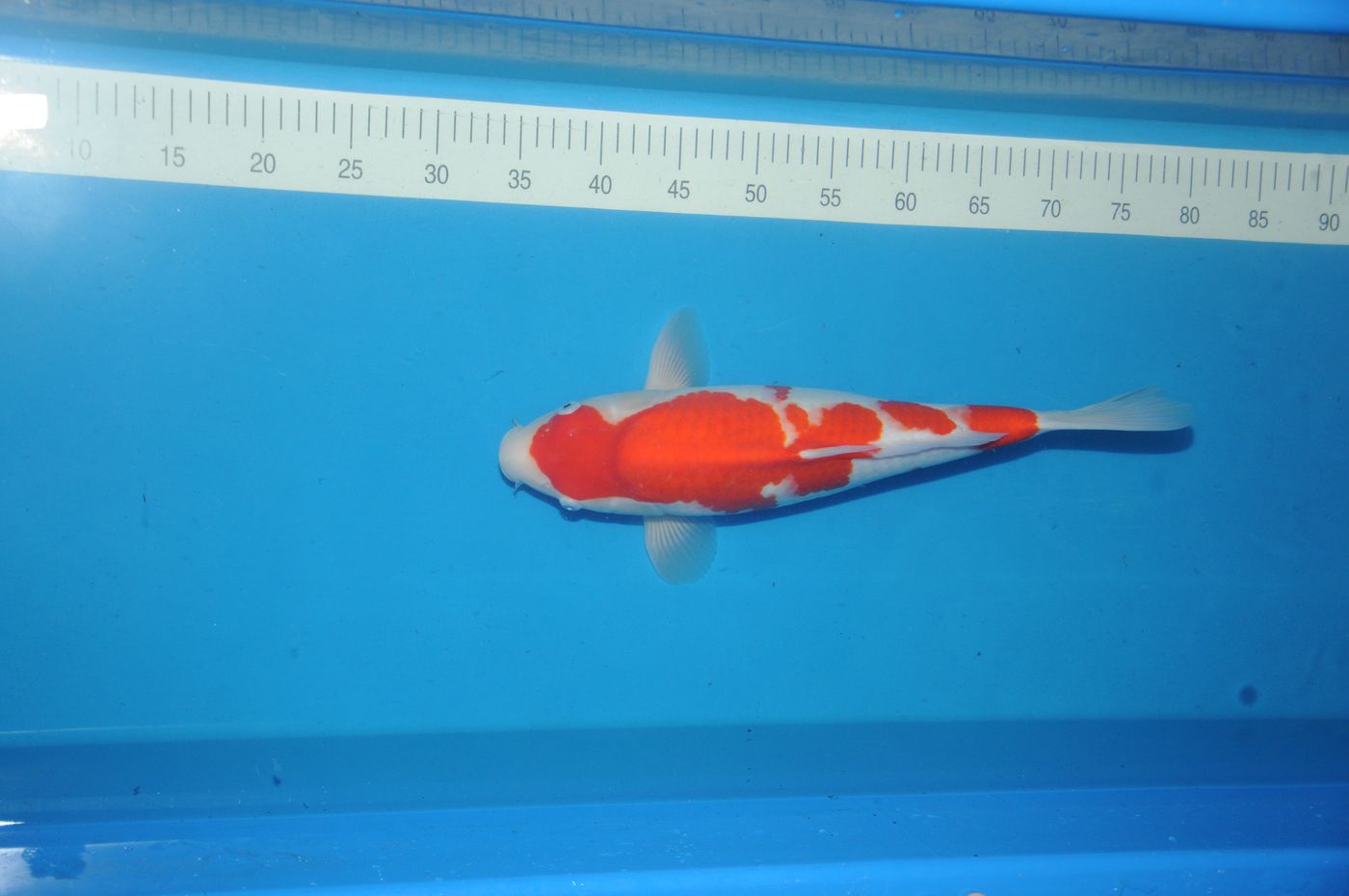
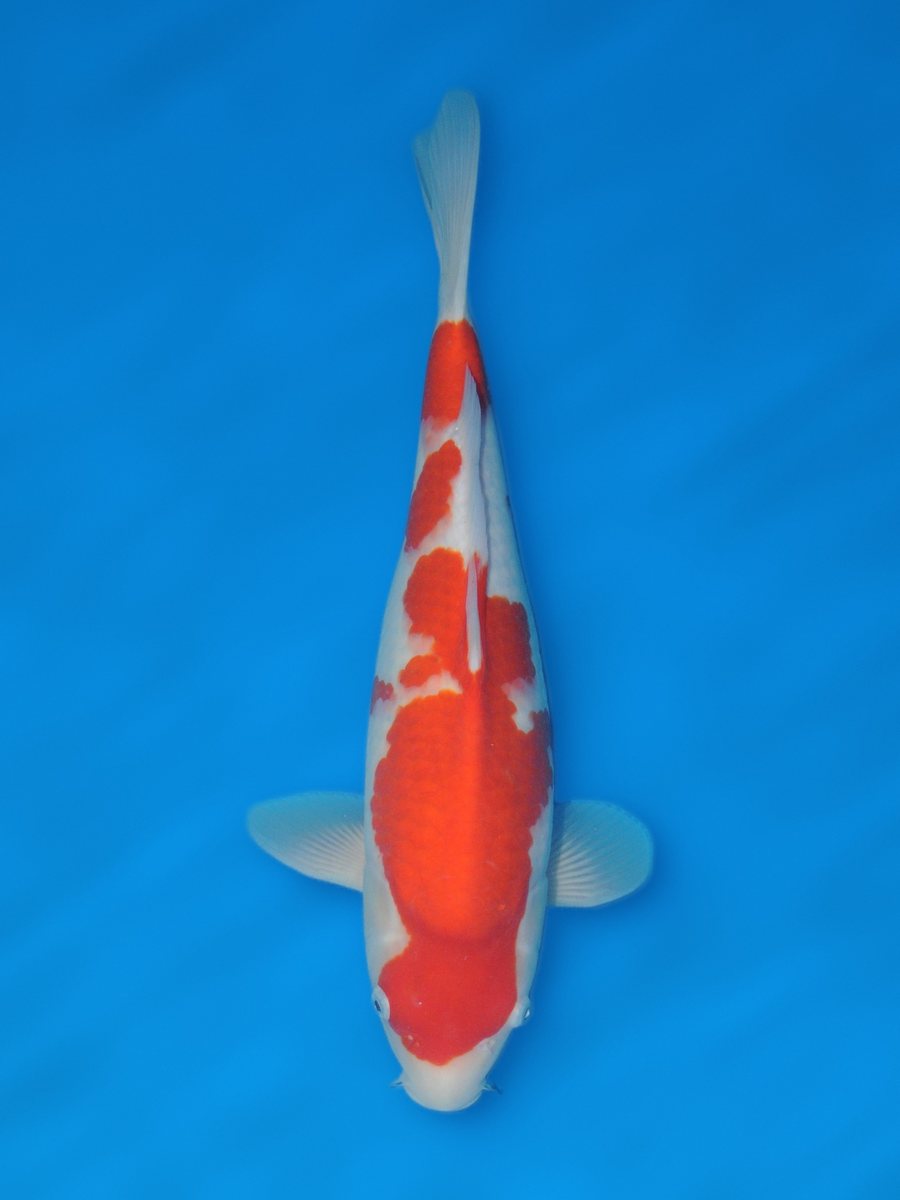
Download the result or save it with your fish or with a length measurement.
Every scale stays exactly as you photographed it. The outline of the fish is detected automatically; the fish is then cut out, rotated, scaled to size and placed on a new background. Pattern, colours, sumi and any damage stay unchanged.
Upload a photo of your koi in a blue bowl.
We first check for free whether the photo is suitable. Rejected? It costs nothing and you see why.
Approved: 1 credit is charged and you get the result. Changing the background and settings afterwards is free.
After the first time, adjust everything and remake the result for free.
Choose show, deep, plain or your own colour.
3:4, 2:3, 5:7 or 4:5. For print, social media or your own website.
A soft shadow under the fish, just like show photos. You set the softness yourself.
Brightens a photo that is too dark. Only the brightness changes, not the colours. This is noted with the result.
Head down by default. Extra rotation with a live preview.
As your koi's profile photo or with a length measurement. Or just download and share.
The Photo Studio turns a photo of your koi in a blue bowl or tub into a clean photo on a plain background, just like show photos. You will find it on the website and in the PondManager app for iPhone and Android.
No. The outline of the fish is detected automatically. The fish is then cut out, straightened and placed on a new background. Pattern, colour, sumi and any damage stay as in your photo. If you turn on exposure correction, this is noted with the result.
Only to detect the outline of the fish. Nothing is invented or drawn in, and patterns, colours and scales are not changed.
A sharp photo taken straight from above of your koi in a blue bowl or tub, with the whole fish clearly visible. Keep hands and measuring tape away from the fish and avoid light spots on the water.
You pay with credits: 1 credit per approved photo. The check beforehand is free, so a rejected photo costs nothing. If processing fails for technical reasons, you get your credit back. Remaking with different settings is free.
The Photo Studio is available on request. Email info@pondmanager.nl or send us a DM on Instagram or Facebook.
The Photo Studio is available on request. Send us an email or a DM and we will set it up.
New to PondManager? Try it free for 14 days.